

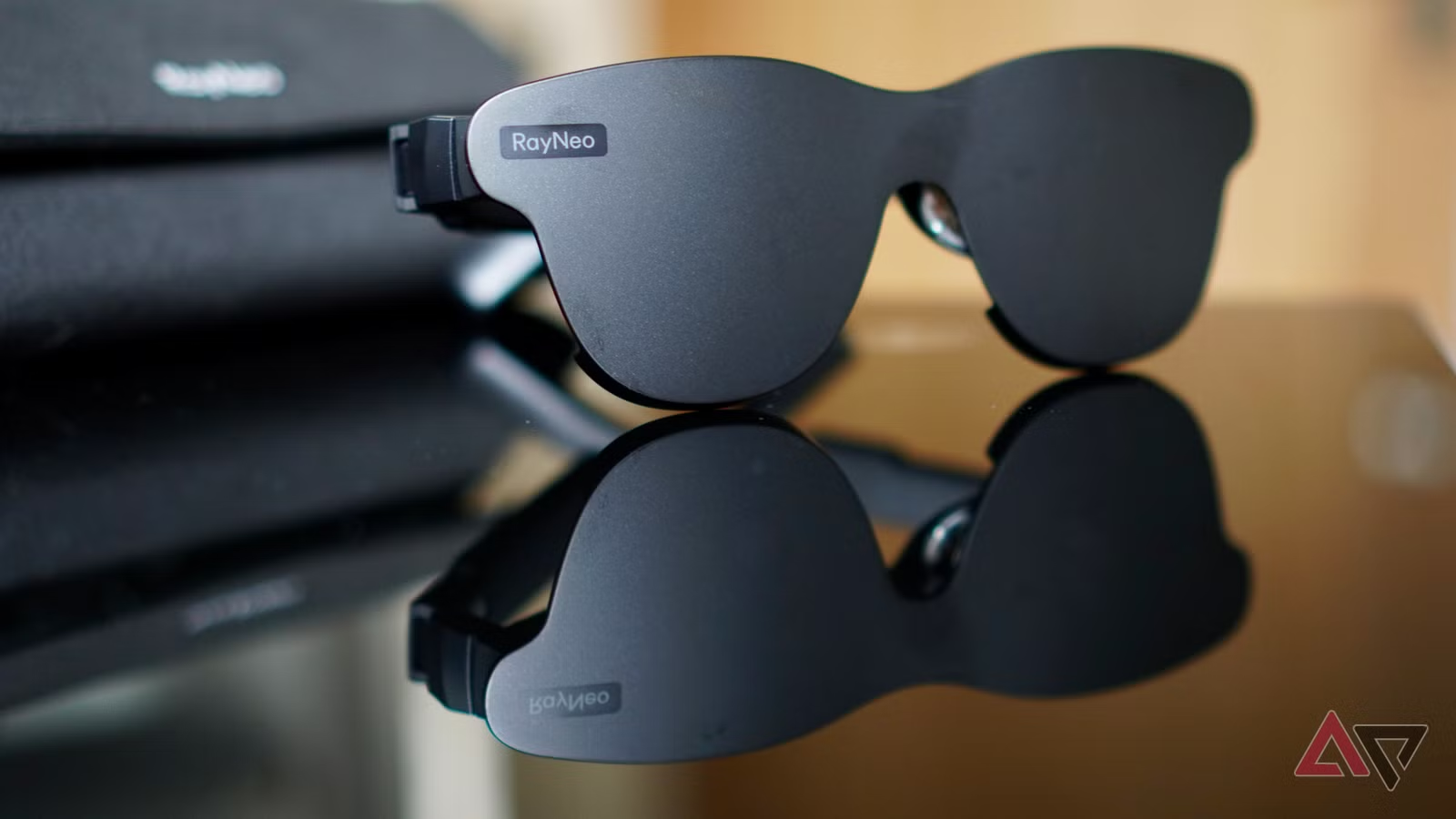
RayNeo says its Air 4 Pro AR glasses let you “wear the screen, and live the scene,” which immediately makes you imagine having a massive cinema screen placed right in front of your eyes, ready for your own, personal, private enjoyment, whether it’s watching a movie or playing a game.
How realistic is that thought? Is the Air 4 Pro a cinema on your face, or the wearable tech equivalent of being surrounded by cinema-goers who won’t put down their phones, and spend the whole movie eating the loudest snacks they could find? I’ve been using them for a few weeks, and there’s a lot you need to know before buying this unusual product.

6/10
- Weight
-
76g
- Prescription Availability
-
Yes
- Connective Technology
-
USB-C
The RayNeo Air 4 Pro connect to your phone, computer, or games console to put a screen right in front of your eyes, replicating a 201-inch cinematic experience. They are the first to feature HDR10 support.
- Comfortable enough to watch a movie
- Bright, colorful, and sharp screens
- Immersive experience in the right environment
- Good surround sound experience
- HDR10 mode can flicker
- Bluetooth headphone connection problems
- May not work with all phones or consoles
- HDR content often requires more expensive subscriptions
Specs, price, and availability
The RayNeo Air 4 Pro are available to buy now for $299 in the US, or £299 in the UK. Look out for regular offers, as at the time of writing, the Air 4 Pro can be purchased for $249 through RayNeo’s own online store. You can also purchase the Air 4 Pro through Amazon and Best Buy.
- Connective Technology
-
USB-C
- Speakers
-
Yes, tuned by Bang & Olufsen
- Weight
-
76g
- Dimensions
-
176 x 154 x 47mm
- Refresh rate
-
60Hz / 120Hz
- Prescription Availability
-
Yes
- Brightness
-
1200 nits
- OS compatibility
-
Android, iOS, Windows, MacOS
- Hardware requirement
-
DisplayPort over USB C
- Brand
-
RayNeo
What exactly are the RayNeo Air 4 Pro?
Not smartglasses, that’s for sure
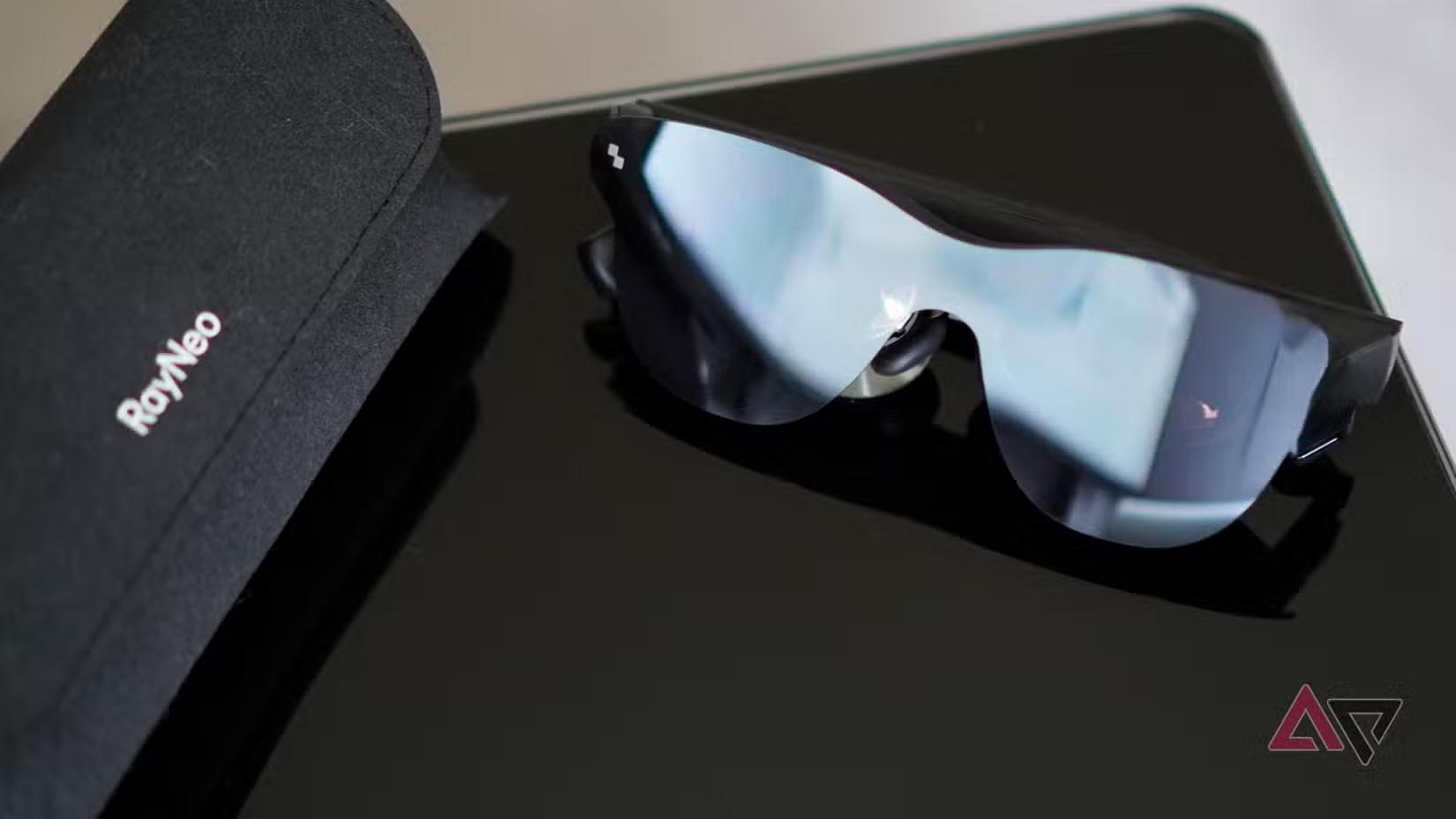
RayNeo calls the Air 4 Pro “AR Glasses,” but this isn’t the best definition of what they do. They are not smartglasses like the RayNeo X3 Pro or the Ray-Ban Meta, and do not have a camera or connect to your phone using Bluetooth. They follow the RayNeo Air 2S and the RayNeo Air 3S.
Additionally, they don’t really overlay content over the real world, as some would expect from an augmented reality device. You also can’t wear them around normally, because you can’t see through them without looking down at your feet. They do not need a dedicated app on your phone to operate.
The RayNeo Air 4 Pro are more accurately described as an external monitor for your phone or tablet that you wear on your face. They’re almost solely designed to watch videos or play games, without looking at the screen on your phone. However, for the sake of simplicity, we’re going to describe them as AR glasses in our review.
RayNeo Air 4 Pro design and comfort
More comfortable than they look
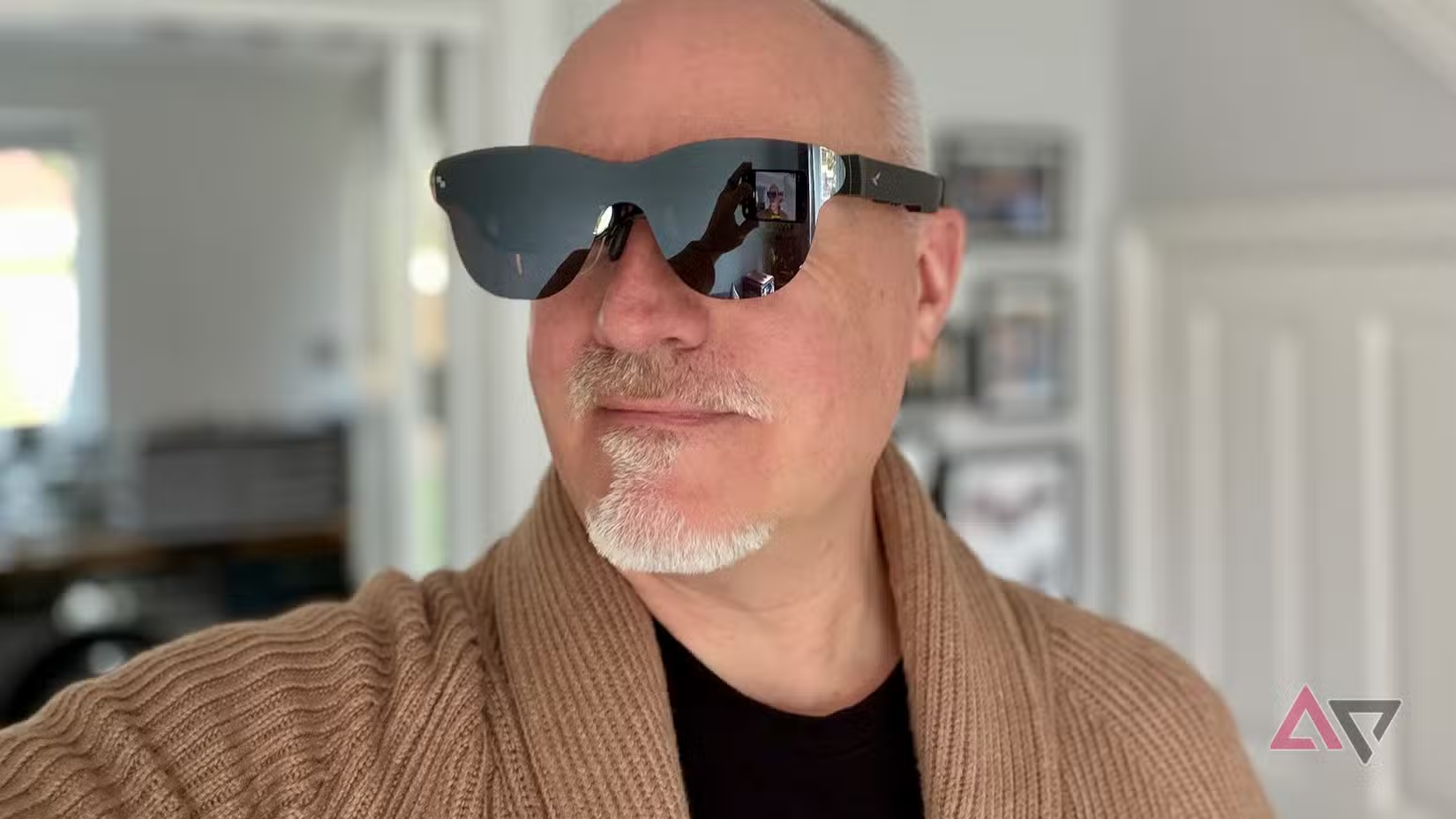
If you’re going to watch a movie on the RayNeo Air 4 Pro, like the company expects, the glasses better be really comfortable.
The Air 4 Pro are the most comfortable versions of RayNeo’s AR glasses I’ve tried, and the easiest to find the sweet spot for viewing the screens. They are surprisingly light, and the nosepads have plenty of built-in adjustment so they don’t dig in or slip around. A choice of two nosepad sizes are included, but I would have liked to have at least one more for even more flexibility.
They connect to your phone using a USB-C cable, which plugs into the very end of the right-hand arm. Once the glasses are on your face, the cable doesn’t get in the way, and you can’t feel it behind your ear either. The included cable is long enough so you can hold your phone or put it down off to the side while watching.
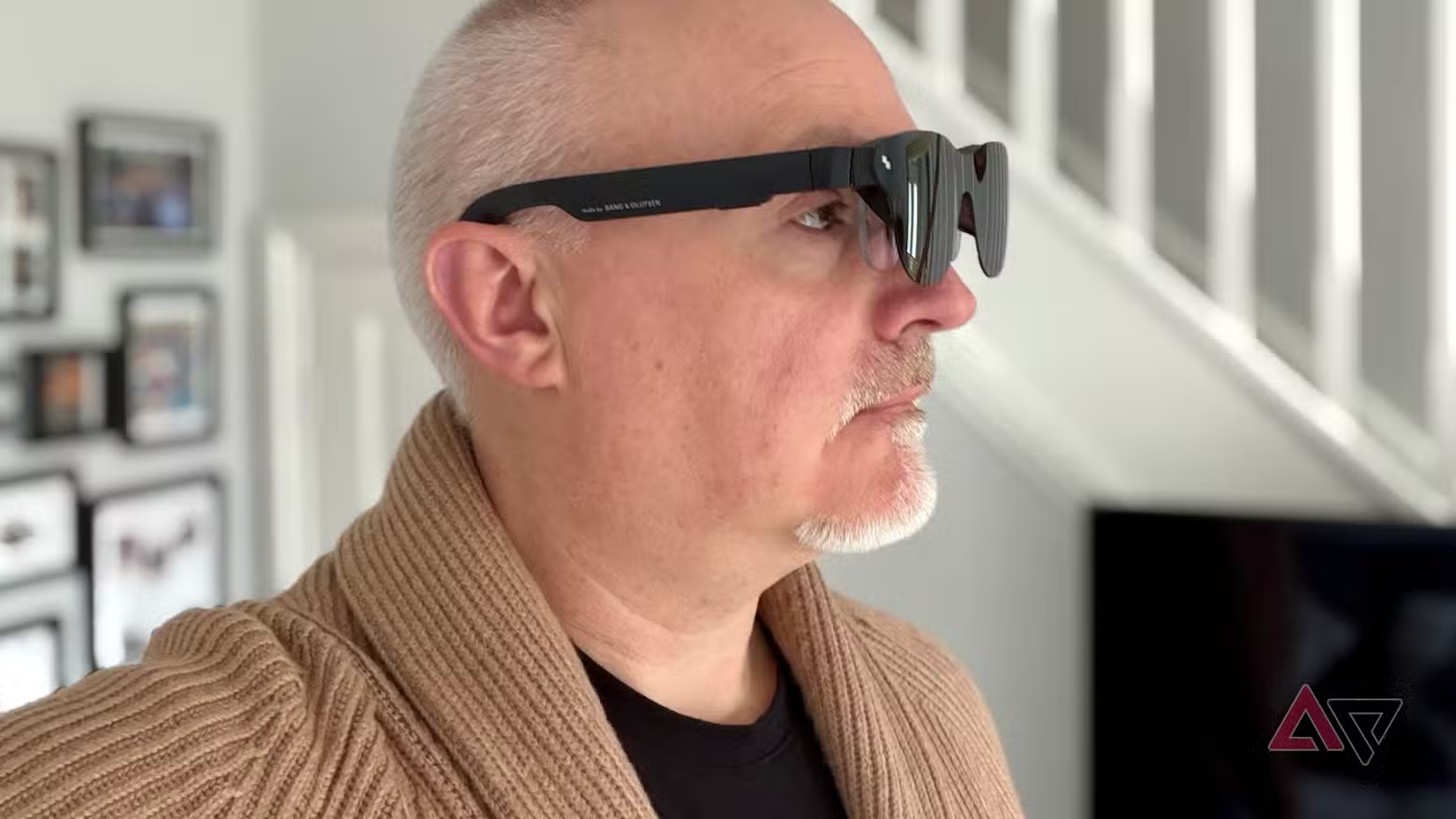
I’ve watched a variety of videos wearing the Air 4 Pro, with the longest being a two-hour, 10-minute movie, and I didn’t find them uncomfortable. The AR glasses come with a “shade” which clips over the mirrored front piece, and this is essential, otherwise light bleeds through and is very distracting. However, the shade is very easy to dislodge, and it falls off at the slightest touch.
The Air 4 Pro are at their best in darkened rooms, as when you can see the real world around the sides of the glasses, you become all-too-aware of wearing a pair of big glasses to look at a rather small screen. Get rid of that in your peripheral vision, and you could be in the theater.
If you’re concerned about comfort, don’t let it put you off. The Air 4 Pro are well-balanced, light, and comfortable enough to wear while watching a movie. However, this has been my personal experience, and all faces are different, so others may have a harder time with the fit.
If style is a concern, the Air 4 Pro make you look very silly indeed. RayNeo has also made a limited edition version where the clip-on shade looks like Batman’s cowl, which is ideal if you want to look even more ridiculous wearing the AR glasses.
RayNeo Air 4 Pro screens and sound
An immersive experience
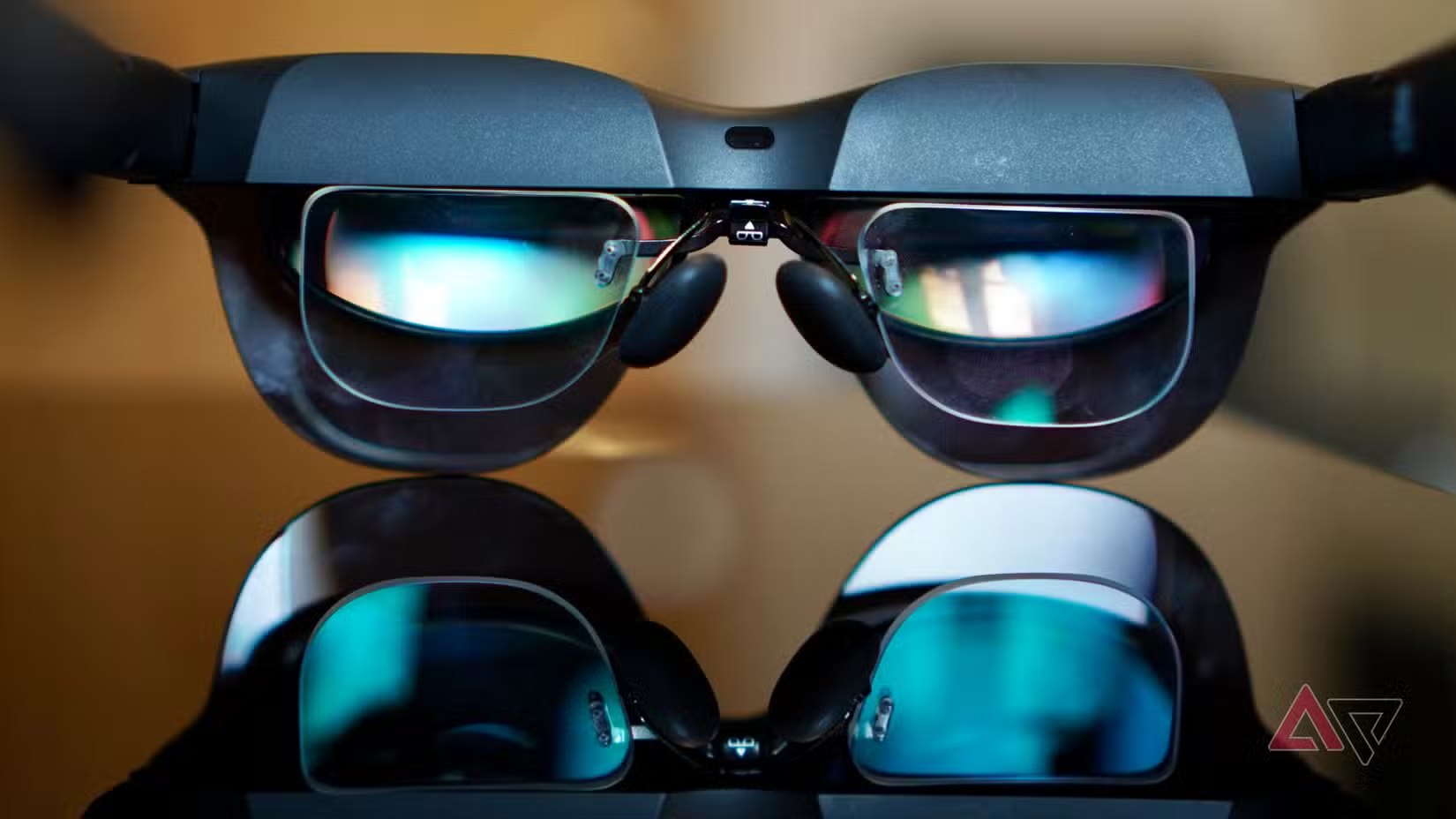
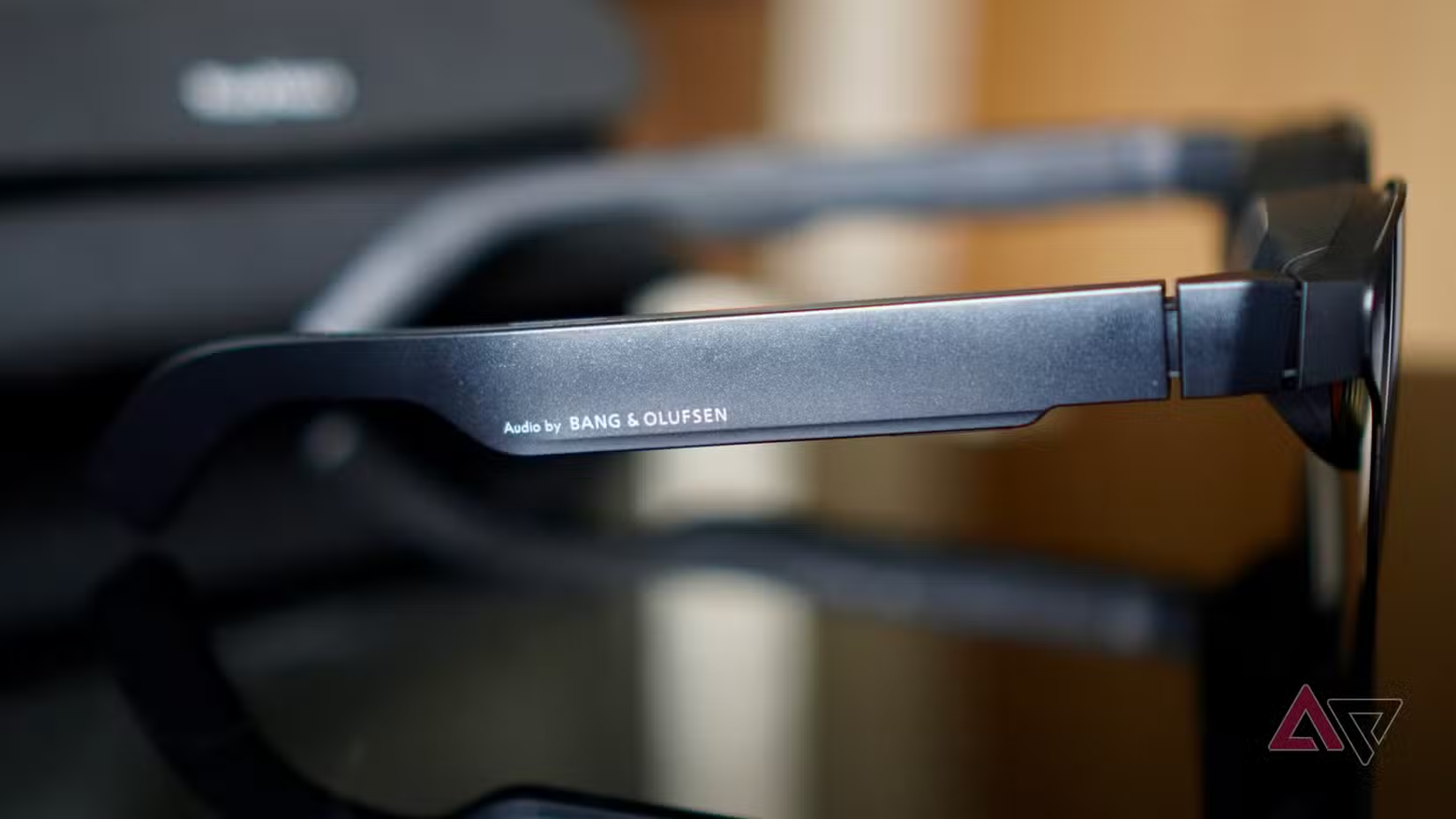
There are two 0.6-inch MicroOLED screens in the Air 4 Pro, which give the equivalent of watching a 201-inch “big” screen. The Air 4 Pro has 1,200 nits brightness and are the first AR glasses with HDR10. They also have built-in speakers tuned by audio experts Bang & Olufsen.
Whether the Air 4 Pro’s screen really does look like a 201-inch screen depends on what you’re watching. I didn’t get the impression of scale when watching YouTube, due to how the aspect ratio introduces some blur at the corners, and any immersive effect is ruined when watching video in this format.
This disappears when you watch 16:9 or true widescreen movies. I watched Apostle on Netflix, and the glasses did a fantastic job of replicating how it feels to be in a darkened cinema watching a huge screen. Watching widescreen movies on the Air 4 Pro is an immersive and very enjoyable experience, and it’s easy to forget the world around you.
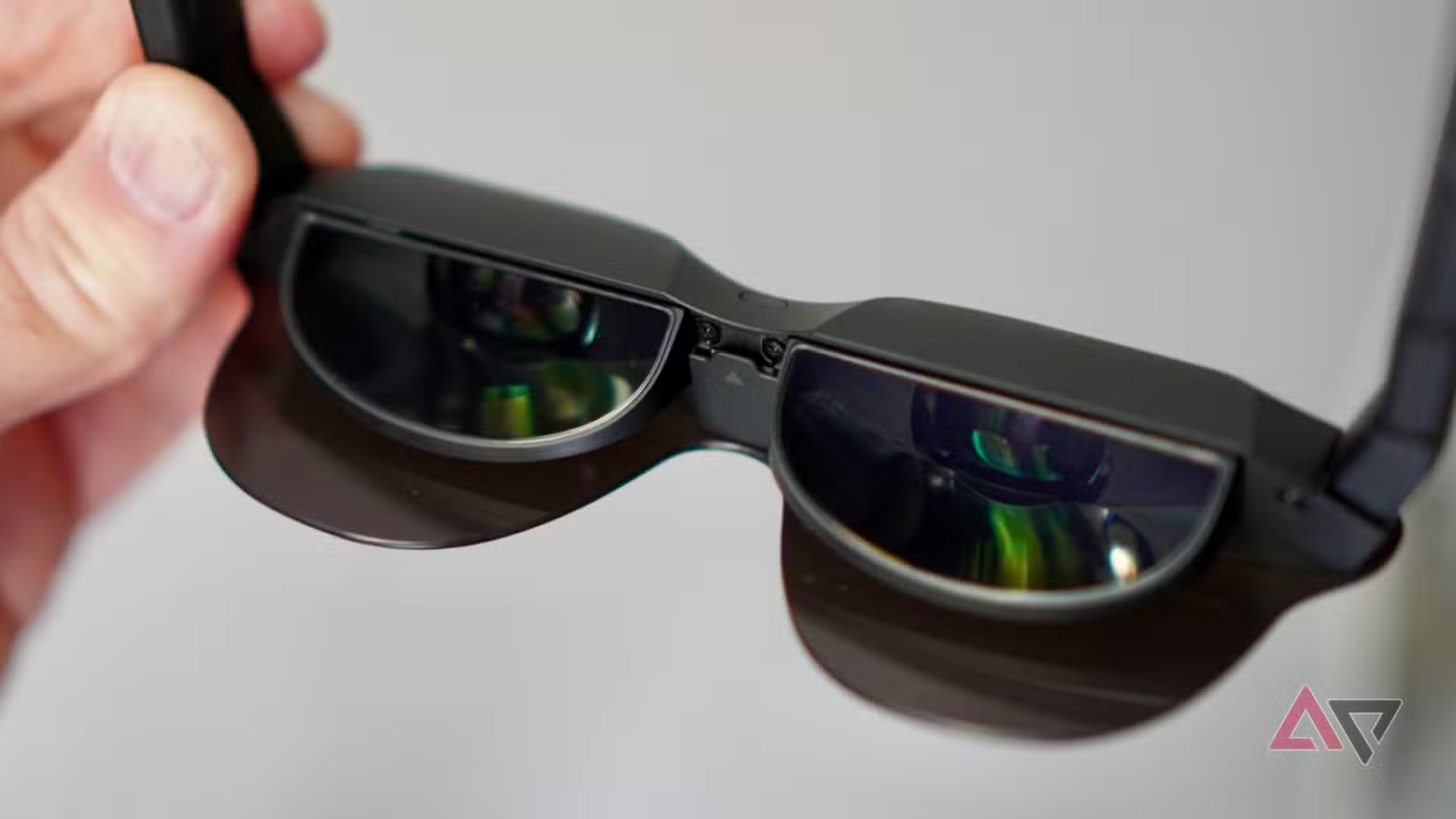
Sound is delivered via built-in speakers. They’re not bone conducting, so people around you will hear everything, and they’re even louder to the outside world than the speakers on the Ray-Ban Meta. The sound is great, and you get a pleasing surround sound experience through the Bang & Olufsen-tuned speakers.
While it’s possible to use Bluetooth headphones with the Air 4 Pro, actually getting them to work is a pain. The AR glasses override the Bluetooth audio connection and use the built-in speakers, and it can be awkward to get the audio through your headphones if you use an iPhone. I eventually made it work, but it needs some patience. If you connect to an Android phone, it’s far easier to just switch between audio sources.
RayNeo Air 4 Pro viewing modes
All about HDR10?
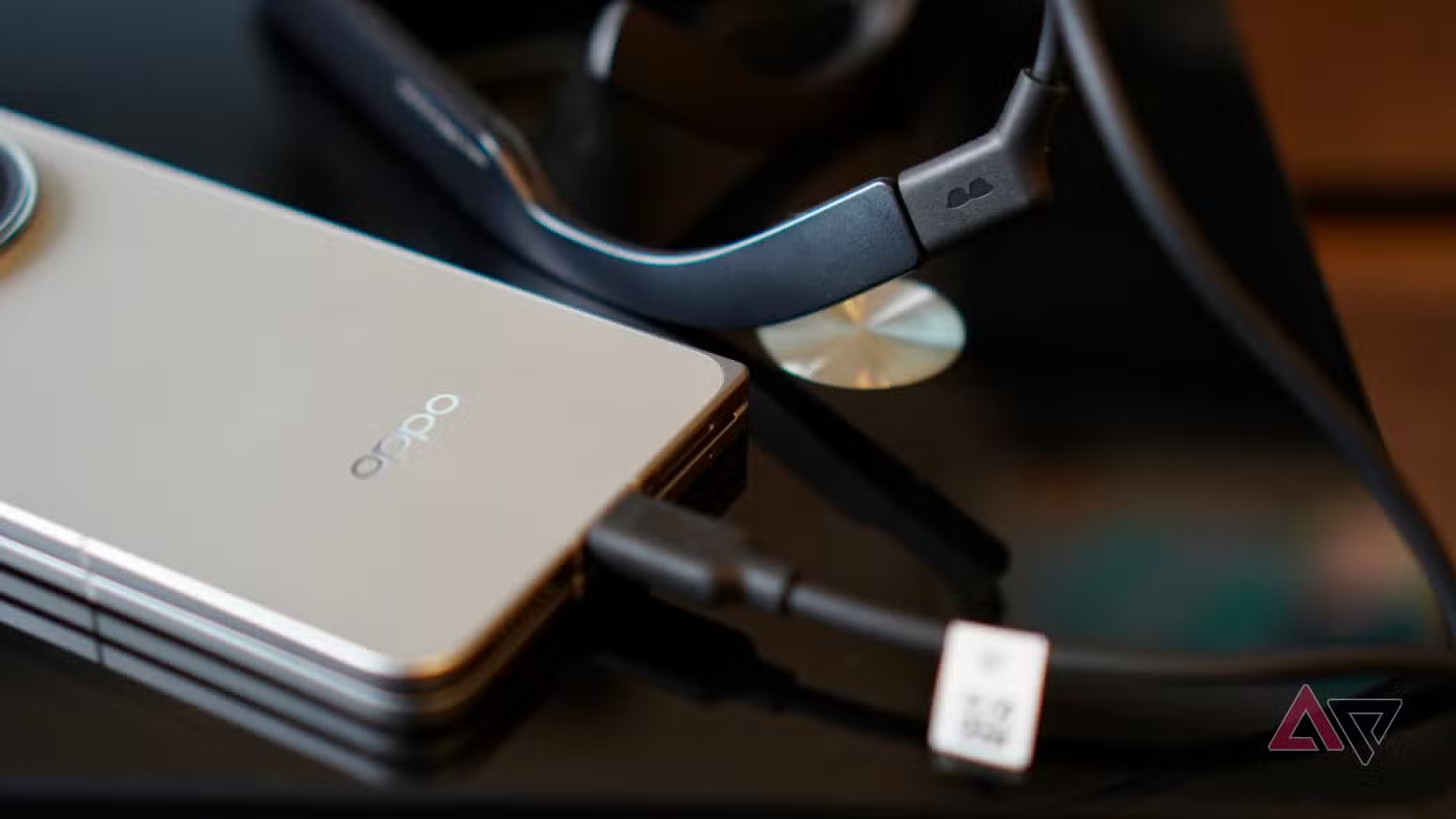
Once you’ve settled down to watch something, there are three different viewing modes: Standard, AI HDR, and HDR10. It’s possible to switch between them while watching, but it requires a quick automatic restart of the glasses to make the change.
The HDR10 compatibility is pushed as a reason to buy, and it really does make video look great. I watched Reacher on Amazon Prime, and there’s masses of detail in the many shadowy scenes, and a lovely balance of light and dark sections too.
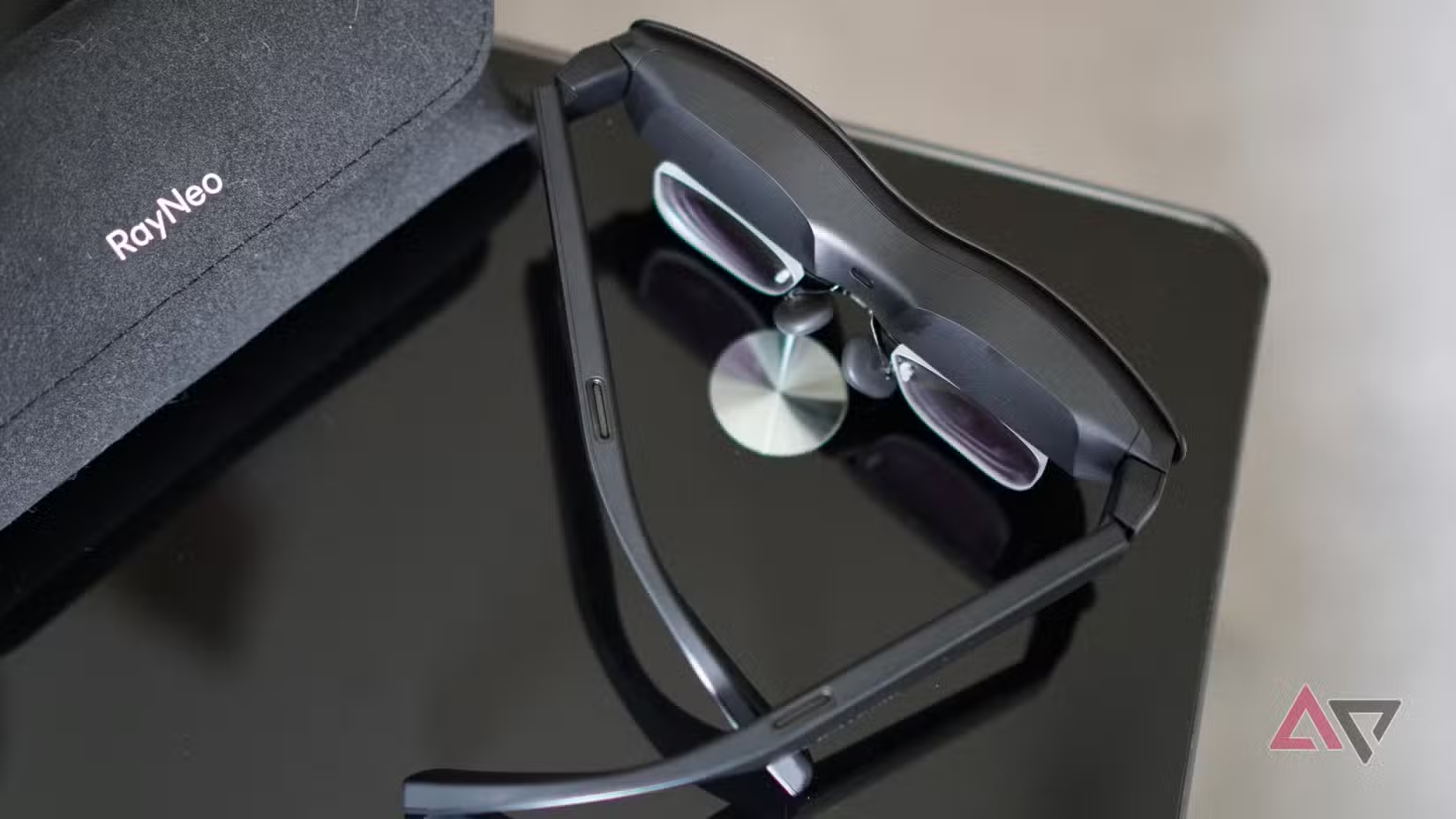
However, I experienced a distracting amount of flicker with HDR10 selected. It’s not constant, but it’s almost like the screens go out of phase for a second, and long enough to spot a “jump” in the look of the video. This did not happen in Standard or AI HDR mode, and was uncomfortable enough that I stopped using the HDR10 mode.
Whether HDR10 is a selling point or not may depend on what you’ll use the AR glasses for. For example, Netflix’s HDR content is hidden behind its expensive Ultra subscription plan, and you need the more expensive Disney+ Premium subscription for HDR video too. You need a Nintendo Switch 2 or a Steam Deck OLED for HDR games, not the Switch 1 or Steam Deck LCD.
RayNeo Air 4 Pro device compatibility
Research needed before buying
RayNeo states the Air 4 Pro requires DisplayPort over USB-C, DP Alt Mode, or Alt DP over USB-C to operate, which are mostly just different ways of saying the same thing. Although it’s not specified, devices with USB-C 2.0 sometimes do not have DisplayPort functionality at all.
It really depends on the device you are using, whether the Air 4 Pro are going to work without a fight or not.
If you own an Apple iPhone, then this seems to provide the most seamless, simplest experience. I plugged the cable into the USB-C on an iPhone 17 Pro Max, and the Air 4 Pro worked immediately, complete with a fantastic image and loud audio.
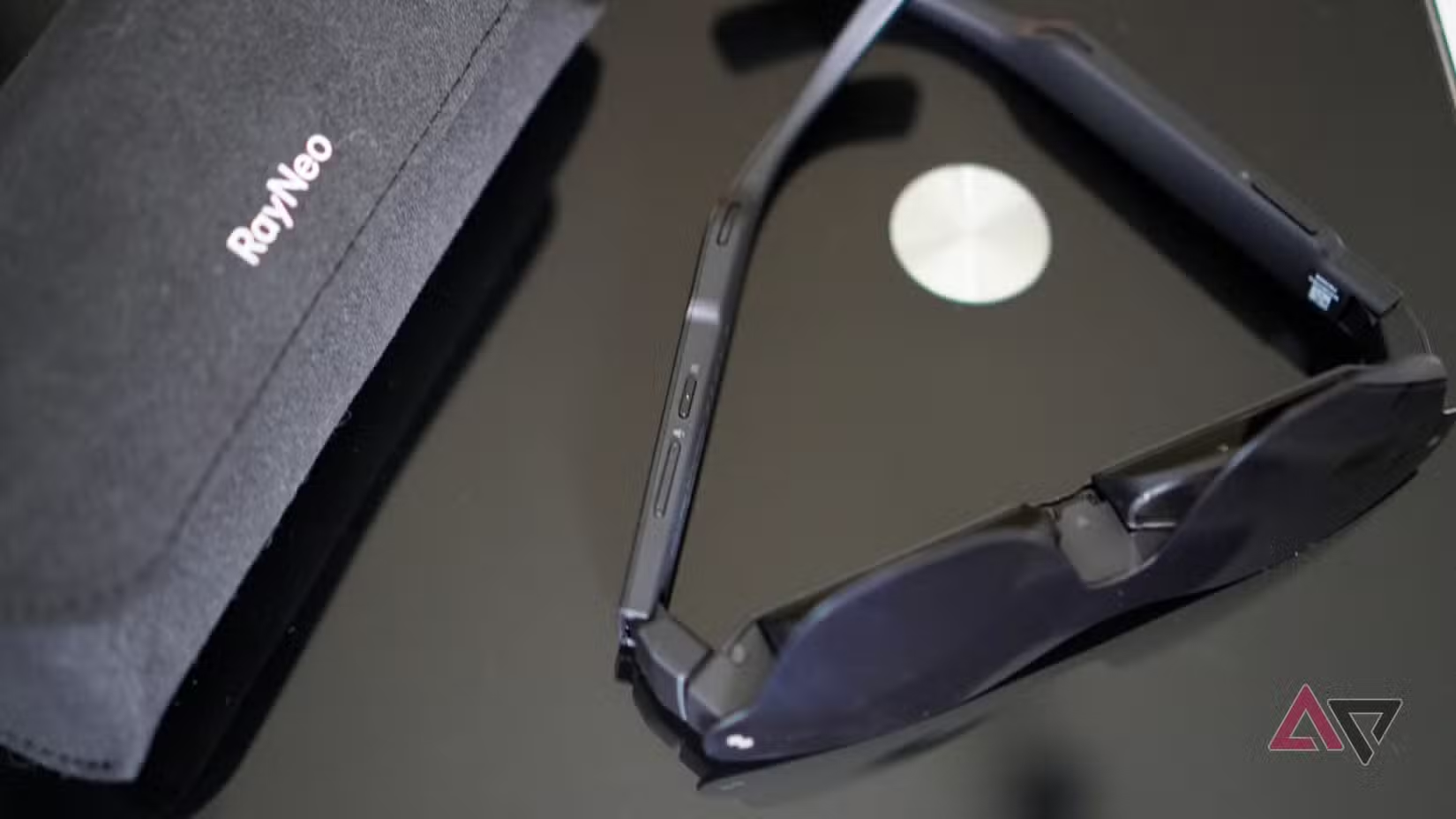
Android phone owners may have a harder time. The Google Pixel series is a close second to the iPhone, as at least the Air 4 Pro work normally after plugging in the cable, but I don’t think the image produced is as high quality as it is on the iPhone, and the audio (at least through YouTube) is noticeably quieter.
On Samsung S and Z series phones, DeX will automatically start up when you plug the Air 4 Pro in, and you have to switch off DeX under the Quick Settings to activate screen mirroring. The Air 4 Pro worked in the same way as on the Pixel once you’ve done this. The Oppo Find N6 also immediately worked with the Air 4 Pro.
I couldn’t get the Air 4 Pro to work on devices like the OnePlus 15R, Nothing Phone 4a Pro, or the Motorola Edge 70. RayNeo has a list of models it states are compatible on its product purchase page, so make sure to do plenty of research before buying if your phone isn’t listed.
It’s also possible to use the AR glasses with devices like the Nintendo Switch 2, but an additional dongle is required, along with some game consoles and handhelds, which may require a USB-C-to-HDMI cable, and with desktop and laptop computers too.
RayNeo Air 4 Pro battery and charging
Easy to live with
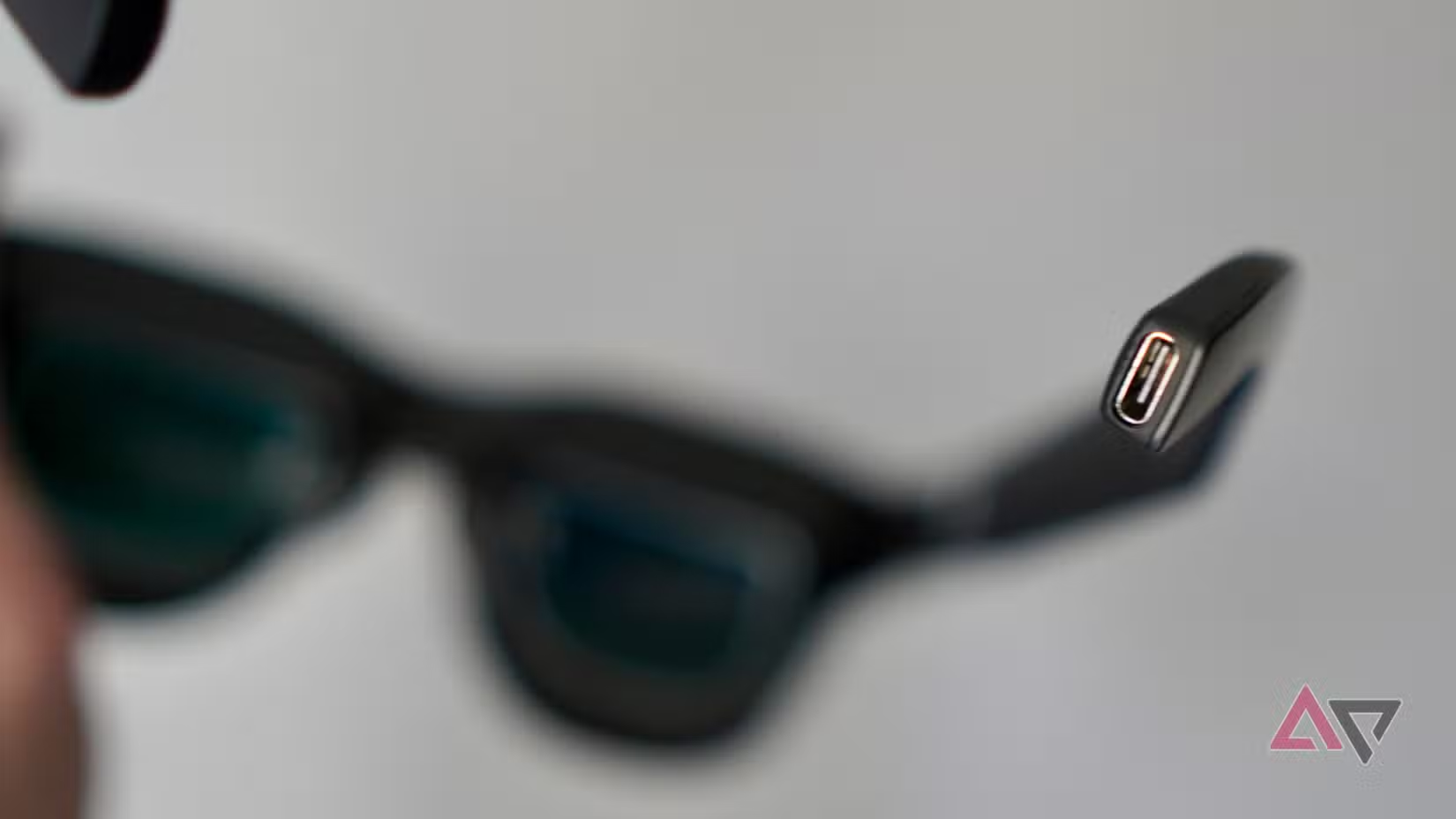
The RayNeo Air 4 Pro do not have a battery inside, and instead draw power through a USB-C cable connected to your phone. This also means you don’t need to charge the AR glasses, but you will need to pay attention to your phone’s battery.
Powering the Air 4 Pro takes plenty of energy from your phone, and if you want to make the most of its battery life when charging may not be possible, such as during a long-haul flight, you’re going to need to be careful.
The amount of power the glasses use is likely to depend on the phone you use and the content you’re watching. However, as a guide, expect a 90-minute movie (without the HDR10 setting active) to take at least 30%. A 20-minute YouTube video can take 15% on its own.
Battery consumption isn’t helped by some apps, such as Netflix, requiring the screen to be awake and playing the video at the same time as the video is being played by the Air 4 Pro, essentially doubling the work the phone needs to do. This can also be a little distracting if you have to place the phone nearby when watching.
Adding prescription lenses to the RayNeo Air 4 Pro
An essential for some people
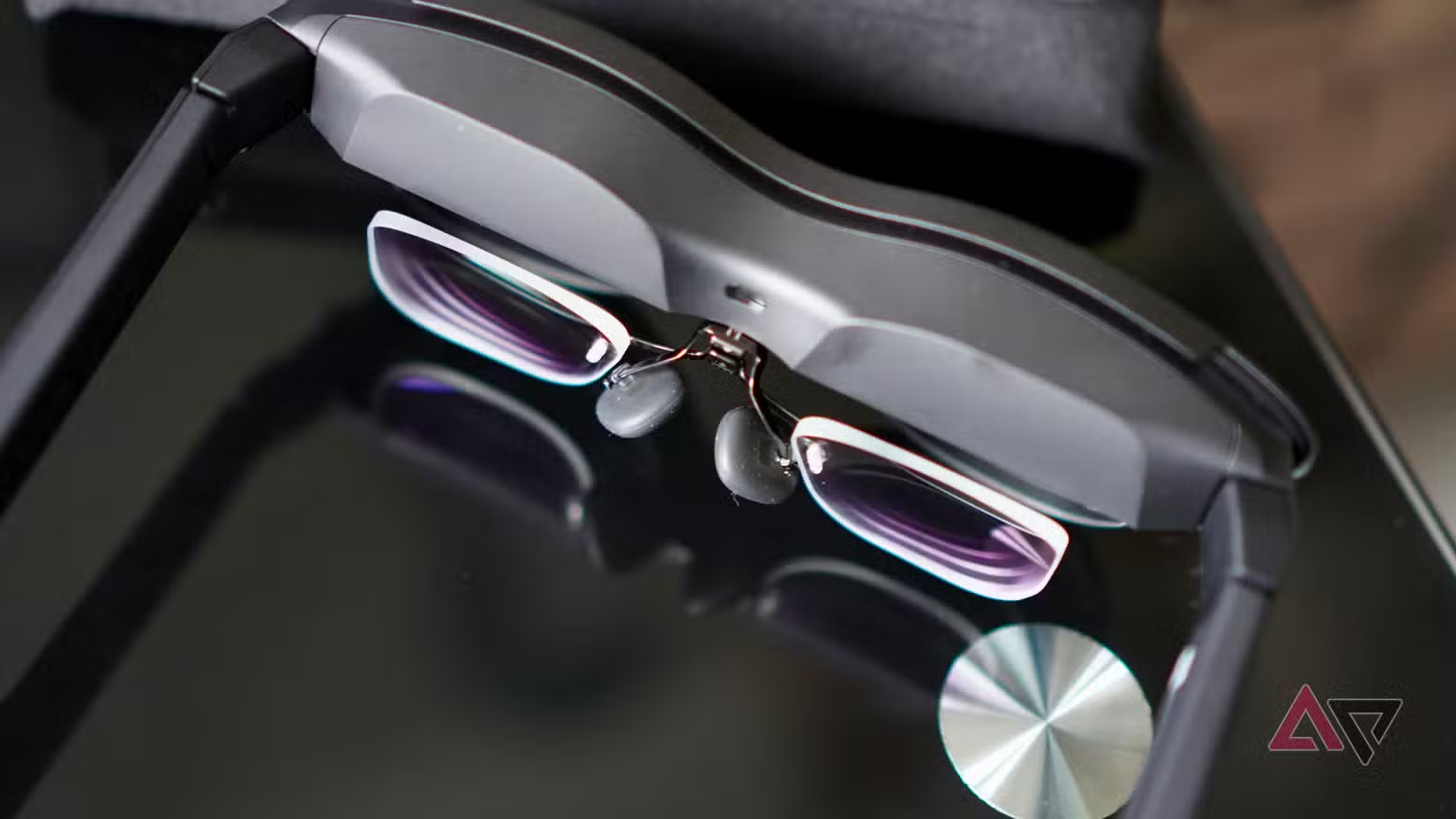
If you wear prescription glasses to see, you will almost certainly need a corrective lens accessory for the RayNeo Air 4 Pro. These are available directly from RayNeo, but can also be purchased through an optician (the box comes with a template required by the optician) or other companies found online.
The lens attaches to the nosepad and clips into the body of the RayNeo Air 4 Pro. I gave my prescription to RayNeo, and it supplied a set of lenses for my review AR glasses, and they work perfectly. You cannot wear your normal glasses underneath the Air 4 Pro like you can with devices like the Sony PlayStation VR 2 headset, so they’re an essential.
Should you buy the RayNeo Air 4 Pro?
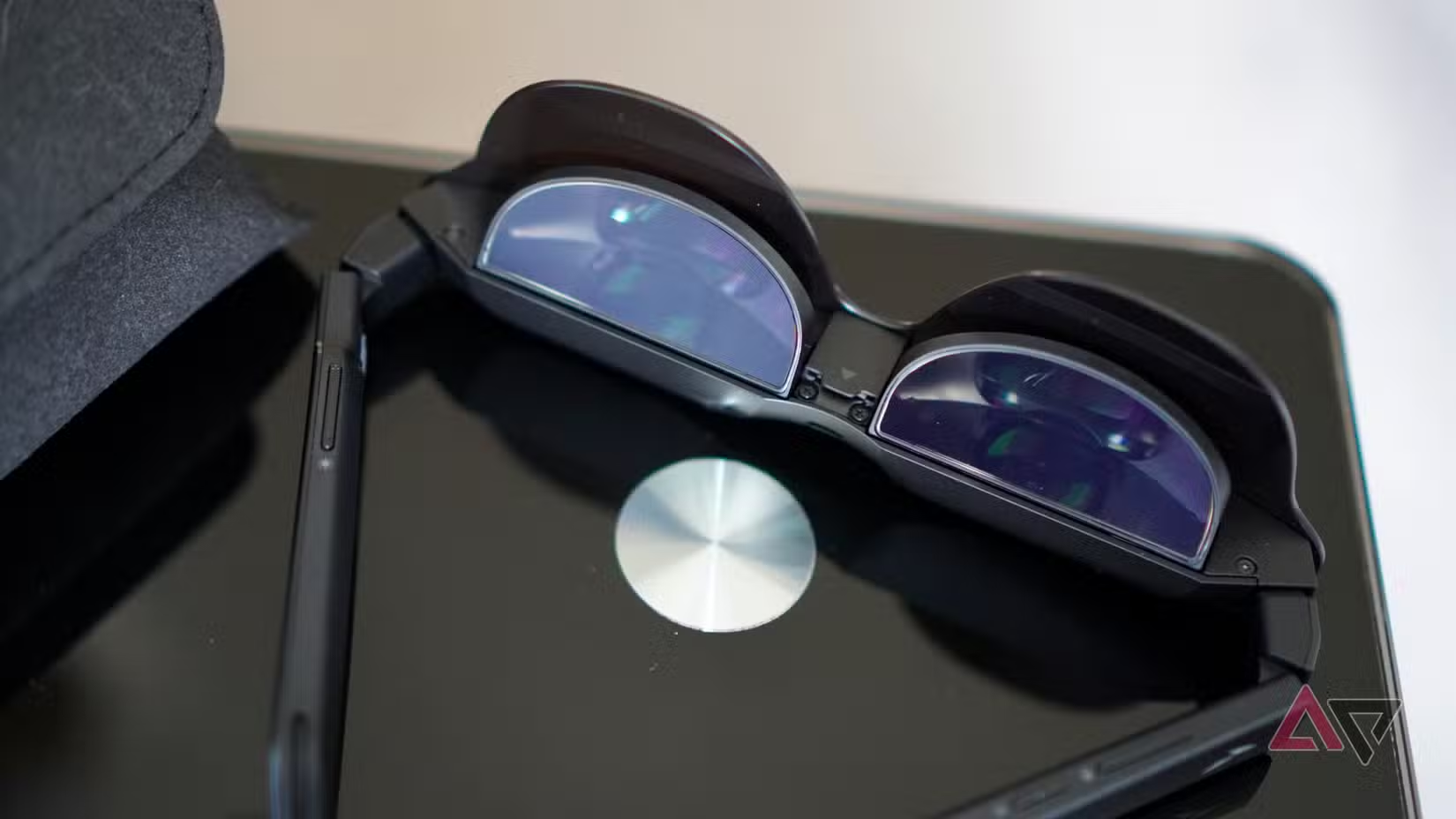
The RayNeo Air 4 Pro are not an essential product. They don’t have benefits like increasing productivity or dramatically changing workflow. Instead, they’re the definition of a gadget that’s fun to experiment with, and gives you that fuzzy feeling inside that you’re kind of living in the future when wearing them.
The Air 4 Pro are at their best when you’re relaxing on a reclined chair watching a movie in a dark room, where it’s a truly immersive, cinematic experience. However, it’s an immersive, cinematic experience for one person only. The Air 4 Pro is definitely not for sharing.
While the AR glasses are quite comfortable, you will still be aware you’ve got a big piece of plastic on your face. I’ve had issues with HDR10 playback, getting headphones to work correctly, and even problems getting the glasses to work with many phones at all. I have cursed the stupid shade and how easily it falls off many times, too.
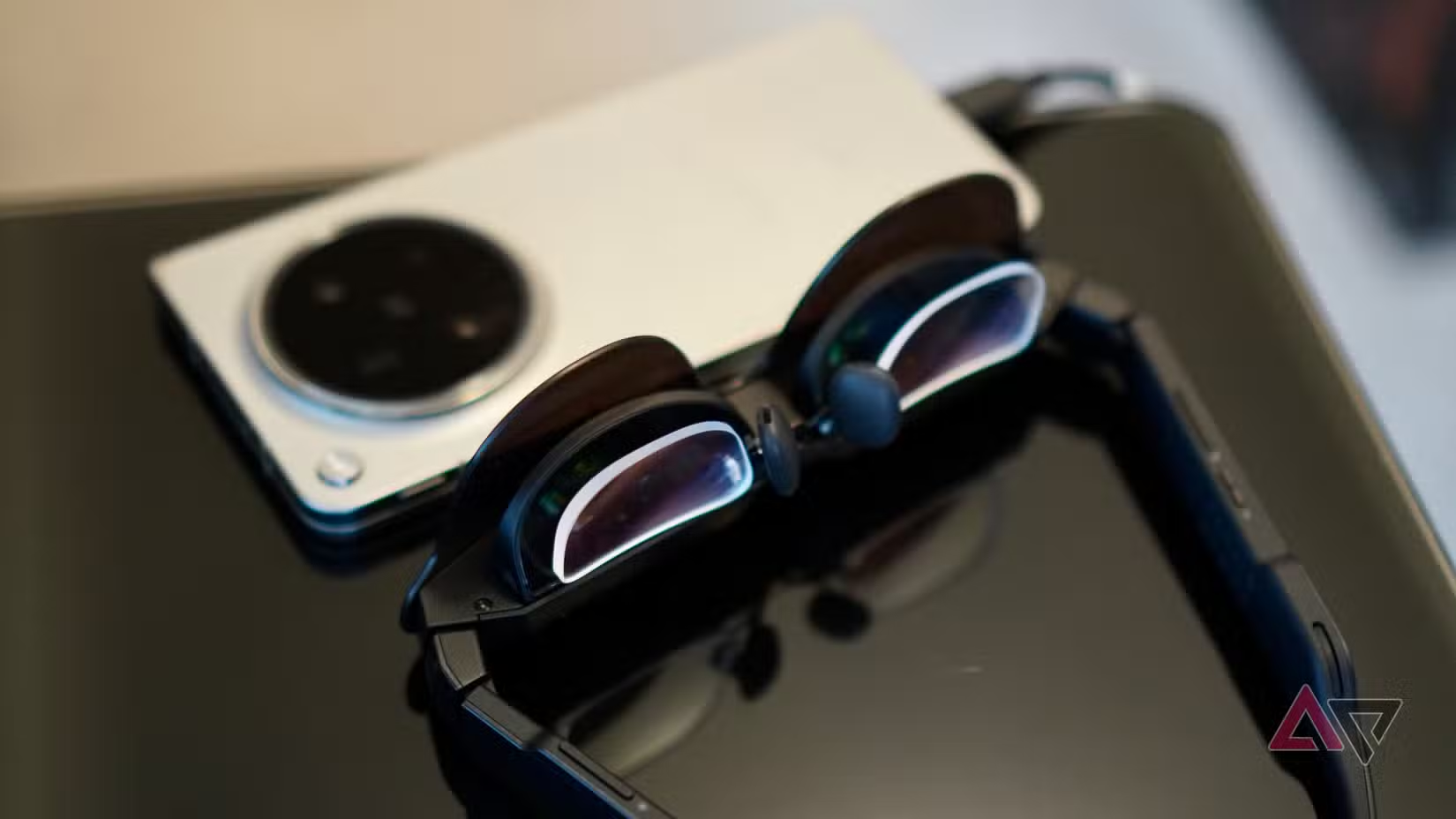
In the right environment, with the right phone, the right streaming platform, and the right movie, the RayNeo Air 4 Pro gives you a unique, enjoyable, and high-quality viewing experience. I expect it’ll be the same whether you’re connecting the glasses to a computer or games console too.
Provided you see yourself using them in these rather specific scenarios often, there’s value in the Air 4 Pro. Otherwise, think very seriously about how often you’d absolutely want to wear a big pair of awkward-looking geeky glasses instead of just looking at a screen before buying.
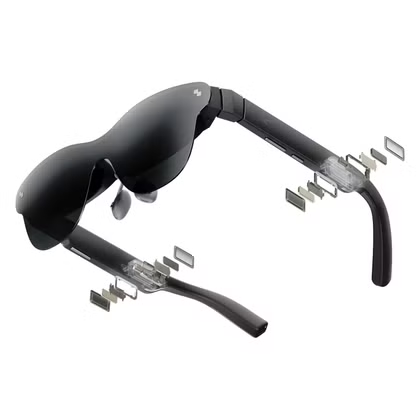
6/10
- Weight
-
76g
- Prescription Availability
-
Yes
- Connective Technology
-
USB-C
The RayNeo Air 4 Pro are fun and genuinely can provide an immersive viewing experience, provided everything falls into place. However, compatibility with phones and wireless headphones, along with some frustrating screen flicker, and considerable draw on your phone’s battery mean you’ll have to forgive quite a lot to enjoy them.
Via: androidpolice.com

