


No matter how fast your smartphone seems when you buy it, over time its performance usually starts to decline. When this happens, you need to assess when it's the right time to upgrade.
Upgrading a smartphone is often a necessity — especially when your device stops receiving software updates and becomes vulnerable to critical security issues. However, you can delay this moment much longer than you think.
If you want to avoid the cost of a new phone and earn more life from your existing model, follow the steps below and see how much they will help improve the performance of your device.
Remove and limit apps
When your phone gets cluttered with too many apps, its performance starts to suffer. By removing apps that you don't use often, you can notice a difference in speed. Take a look at your apps and identify which ones you don't use. Remember, you can always reinstall them later or use their web versions.
For Android users, you can remove apps by long-pressing on a shortcut and dragging it to Uninstall button. For iOS users, long-press an app icon and select Delete app for verification.
Additionally, you can limit apps from running in the background, thereby increasing performance when apps are not in use. On Android, go to Settings, select Applications > Show all applications and click on each app. Then turn off the option Allow the use of background for applications you don't need active.
On iOS, go to Settings, select General > Background App Refresh and disable apps that you don't want running constantly in the background.
Boost storage space
The free space on your phone has a direct impact on its performance. The more space you have available, the faster your device will run. Removing apps frees up space, but there's more you can do.
For Android, the built-in Archives app can help you clean up your storage space easily. Just open the app, select the menu, then tap Net for suggestions that include duplicate files and large photos.
For iPhone users, select General > iPhone Storage in Settings to see where your space is being used and suggestions on how to free up additional personal space. These suggestions may include large apps or files you can move to the cloud.
If you have a phone Samsung Galaxy, you can check the option Device Care > Memory > RAM Plus which uses your storage space as extra RAM. By disabling this option, you can reclaim some of this space.
Perform a full reset
A hard reset is the most drastic measure you can take. This process returns your phone to the state it was in when you first started it. While it may seem daunting, it's actually simpler than it used to be.
This will erase all data, including third-party apps you weren't using, and allow you to start from scratch. Expect a significant improvement in performance.
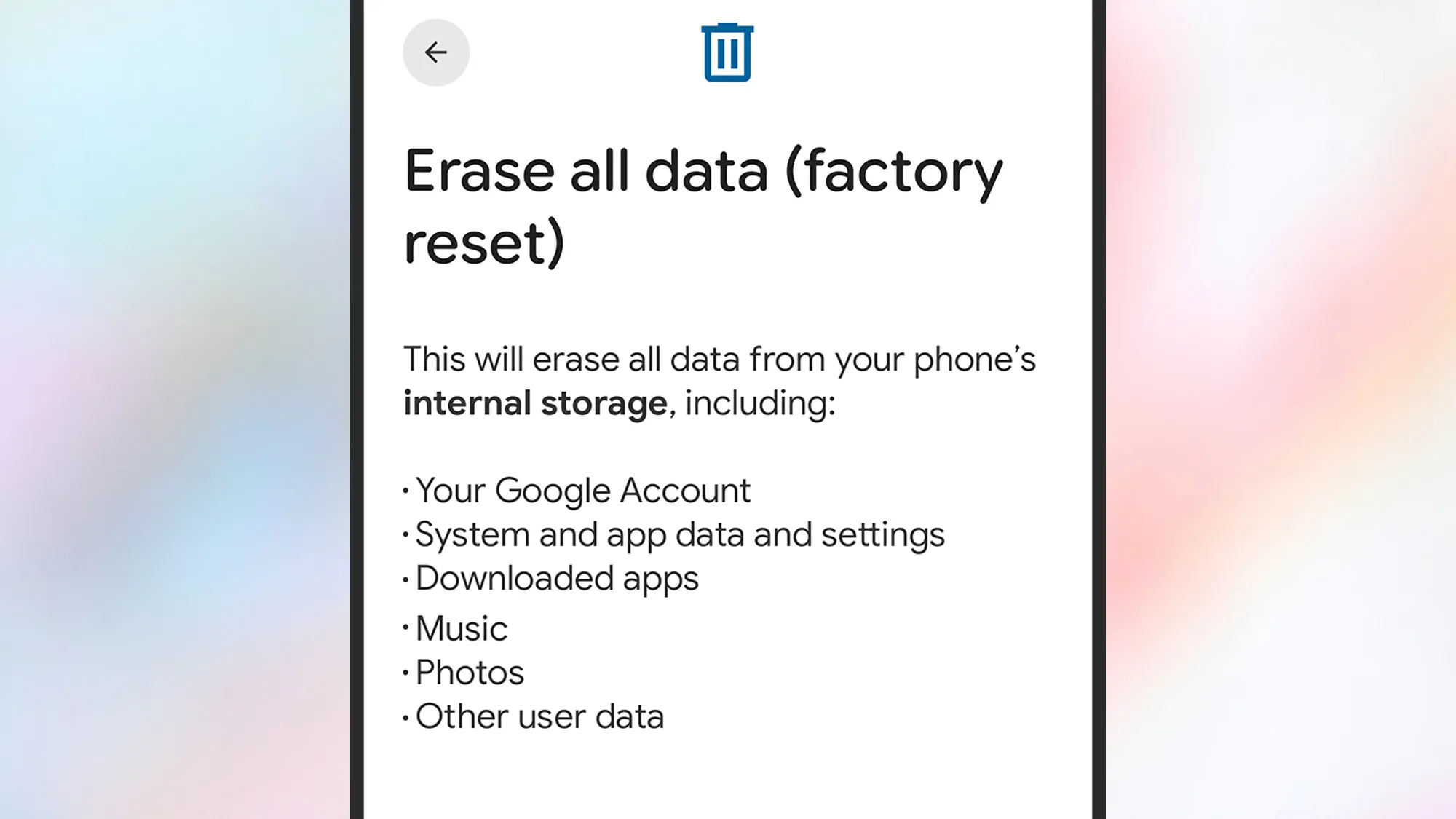
Before the reset process, make sure you have backed up your data, either to Google Drive, iCloud, or another platform. Double-check that all your photos, videos, and other important files are stored safely.
To reset an Android device, go to Settings and select System > Reset options > Erase all data (factory reset) > Erase all dataFor iPhone, select Transfer or Restore iPhone > Erase All Content and Settings > Continue.

PopSci 2025 Best News